Preprocessing
classy offers basic preprocessing functionality for reflectance spectra:
smoothing, truncating, normalising, resampling, and slope removal. They are demonstrated
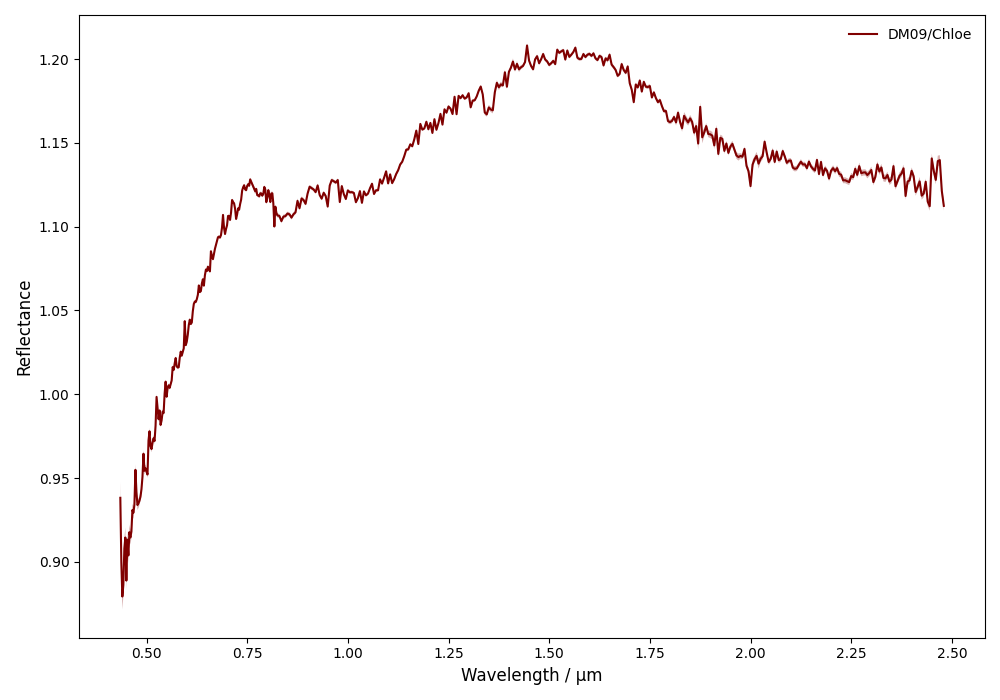
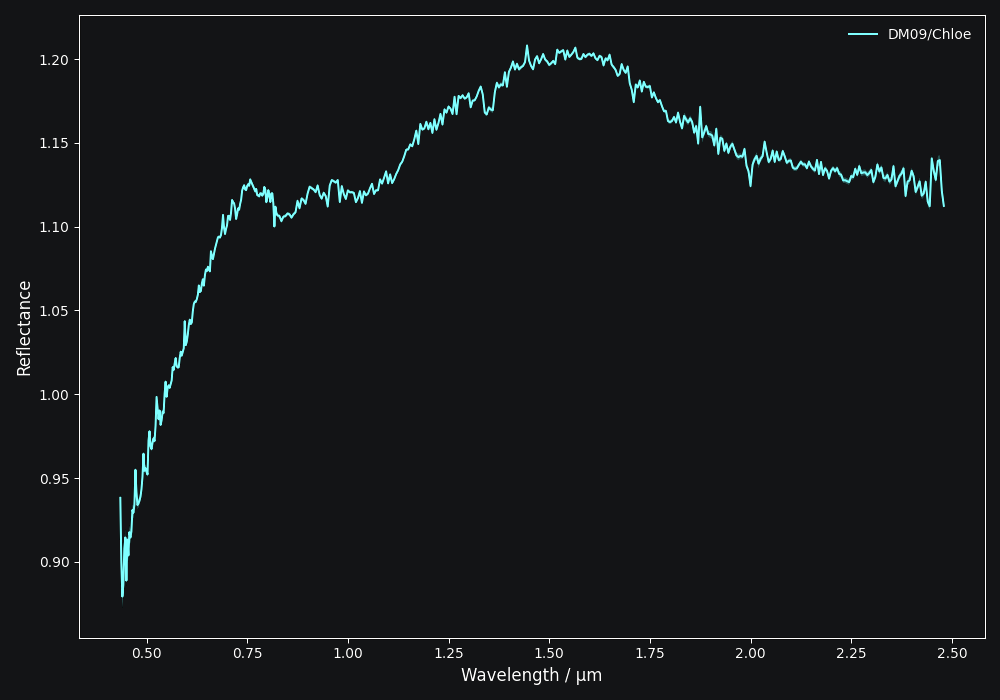
here using a spectrum of (402) Chloe from DeMeo+ 2009.
>>> import classy
>>> spectra = classy.Spectra("Chloe", shortbib="DeMeo+ 2009")
>>> spec = spectra[0]  # There is only one spectrum matching these criteria
>>> spec.plot()
Smoothing
Smoothing a spectrum aims to reduce high-frequency noise in the data. To smooth
a spectrum, use the smooth() method. Two common smoothing algorithms are
supported:
Savitzky-Golay: Applies a smoothing filter using scipy.signal.savgol_filter
Spline Fit: Applies smoothing using scipy.interpolate.UnivariateSpline
The main argument of smooth() is the method, which is either savgol or spline.
All other arguments provided to smooth() are passed to the underlying
smoothing function given above.
>>> spec.smooth(method='savgol', window_length=7, polyorder=3) # arguments passed to scipy.signal.savgol_filter
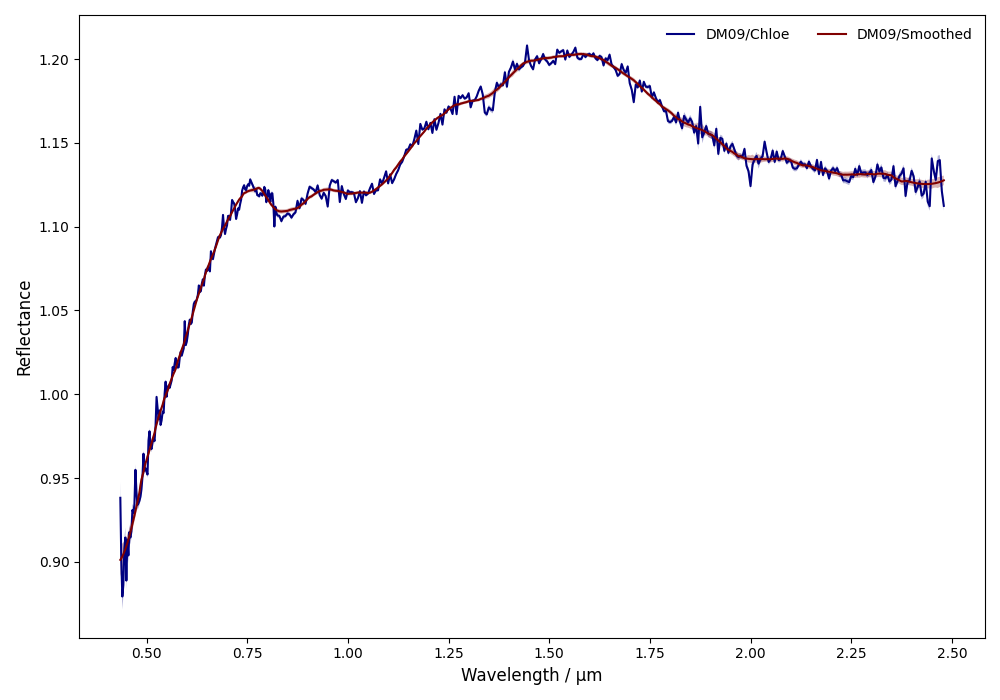
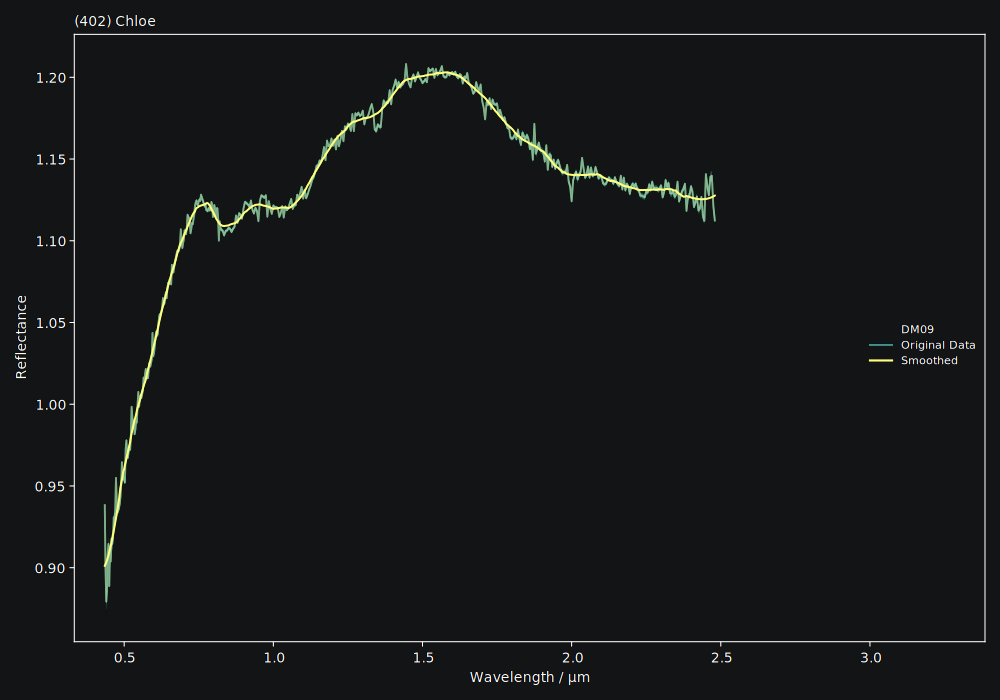
The choice of smoothing parameters is often a tedious iterative process
(smooth, plot, smooth, plot, …). classy facilitates this process by
providing an interactive graphical user interface, allowing to adjust the
parameters while inspecting the result in real time. Calling smooth()
without any arguments launches the smoothing interface.

After storing the smoothing parameters, classy will automatically apply them
the next time that the smooth() function is called, without opening the interface.
This way, smoothing spectra prior to analysis is quick and only done once. To smooth a batch of spectra using the smoothing interface, you can use these methods:
Smooth all spectra in Marsset+ 2014.
$ classy smooth --shortbib 'Marsset+ 2014'
This will launch the smoothing interface for all spectra which have not been
smoothed yet. You can use the --force flag to also smooth spectra that
have already been smoothed. The syntax to select spectra is documented here.
Smooth all spectra in Marsset+ 2014.
>>> spectra = classy.Spectra(source='Marsset+ 2014')
>>> spectra.smooth()
This will launch the smoothing interface for all spectra which have not been
smoothed yet. You can use the force=True argument to also smooth spectra that
have already been smoothed. The syntax to select spectra is documented here.
Important
The original spectrum data file is never changed by classy. All preprocessing transformations
are applied in memory.
Normalising
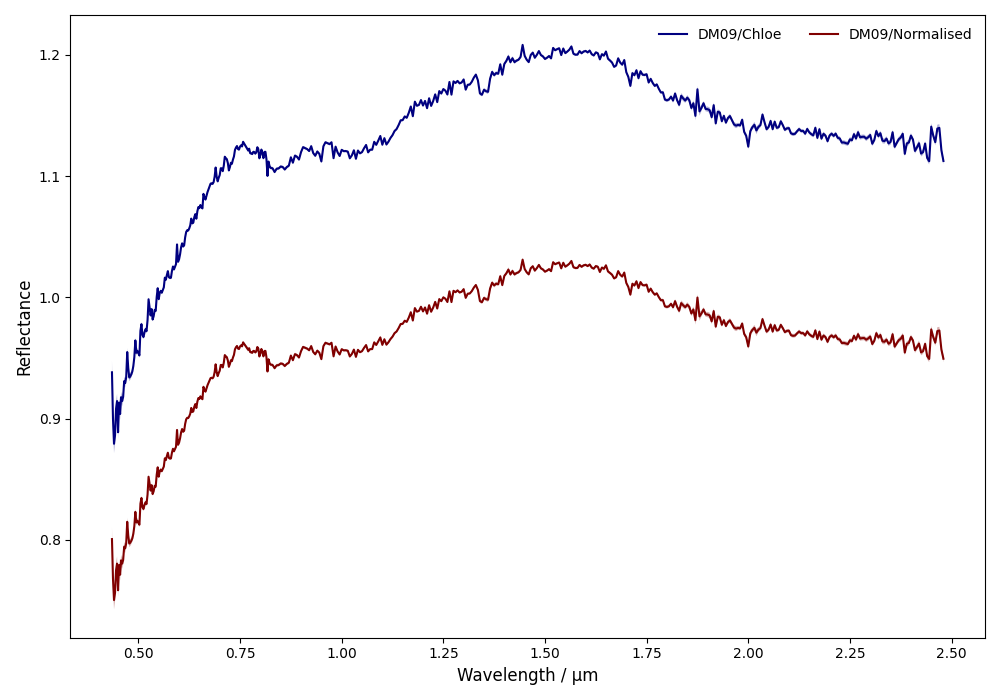
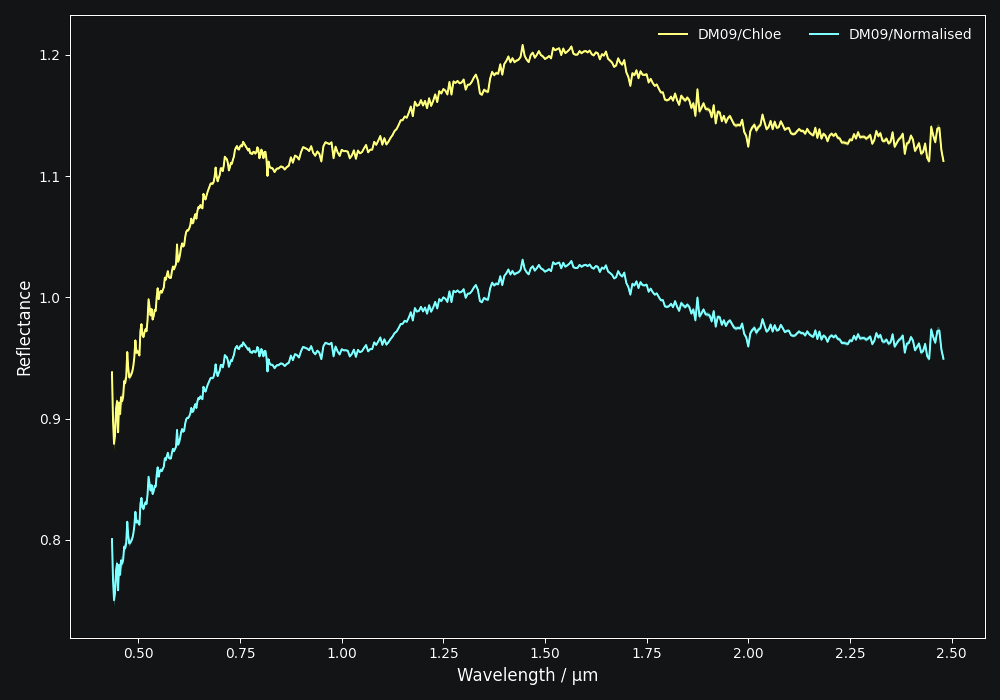
Two normalisation methods can be applied to a classy.Spectrum:
wave: normalise a spectrum to unityata given wavelength by divisionl2: set the L2-norm of the spectrum to unity
Normalisation is applied using the .normalize method. The method
keyword accepts one of the two method names given above. The default
is wave and requires to define the wavelength at which to normalise
using the at argument. classy then normalises the spectrum to
unity in the wavelength bin which is the closest to the provided at
value.
>>> spec.normalize(method='l2')  # normalises L2-norm to unity
>>> spec.normalize(at=1.25)  # normalises to unity at closest existing wavelength point
Resampling
Resampling a classy.Spectrum can be used for extrapolation or for
homogenisation of the sampling different spectra. The .resample() method
uses scipy.interpolate.interp1d.
The function takes a list of wavelengths at
which to resample the spectrum. All other arguments are passed on to the
scipy.interpolate.interp1d function.
>>> wave_new = classy.taxonomies.demeo.WAVE  # resample to DeMeo+ 2009 wavelength pattern
>>> spec.resample(wave_new)
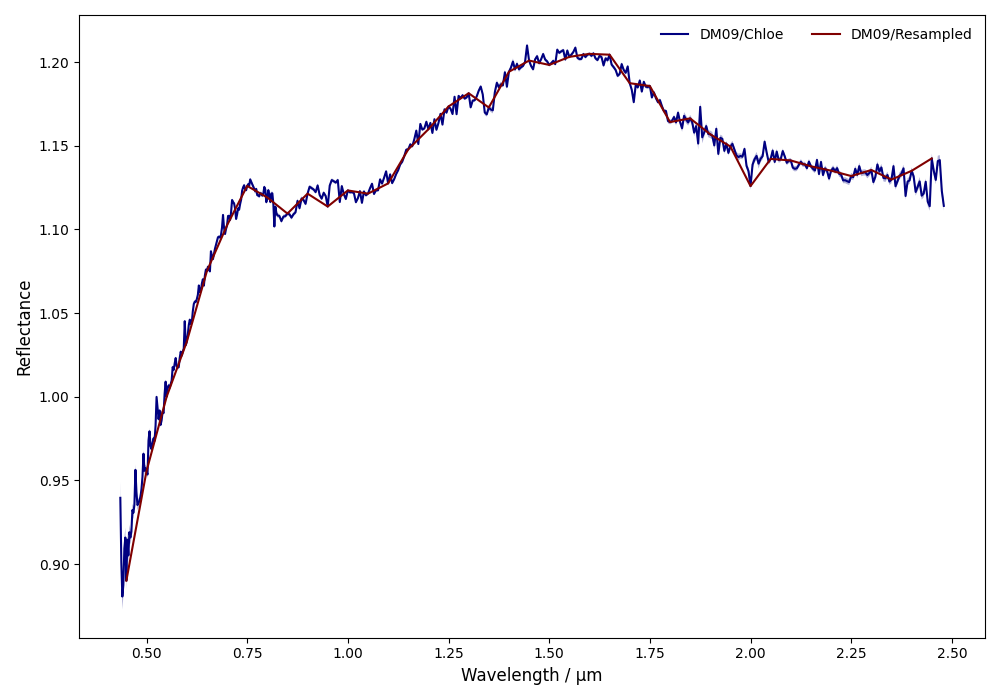
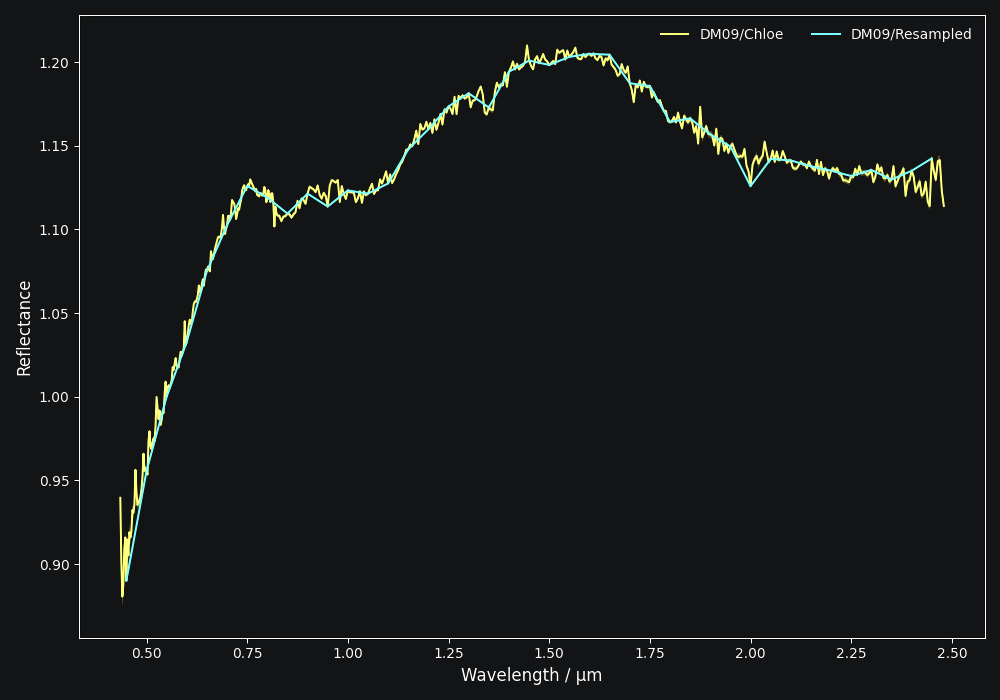
The following example shows how to do linear and constant extrapolation. You can find more information in the documentation of scipy.interpolate.interp1d.
>>> spec.resample(wave_new, fill_value='extrapolate') # linear extrapolation
>>> spec.resample(wave_new, bounds_error=False, fill_value=(spec.refl[0], spec.refl[-1]) # constant extrapolation.
Warning
Resampling changes the shape of the wavelength and reflectance arrays (spec.wave and spec.refl).
The reflectance error spec.refl_err cannot be resampled, meaning that it would keep its original shape.
This can cause trouble in various places in classy. The error attribute is therefore set to None
when resampling.
Truncating
Use the truncate() to quickly set the upper and lower wavelength bounds
of the spectrum by specifying one or both of wave_min and wave_max.
>>> spec.truncate(wave_min=0.9)
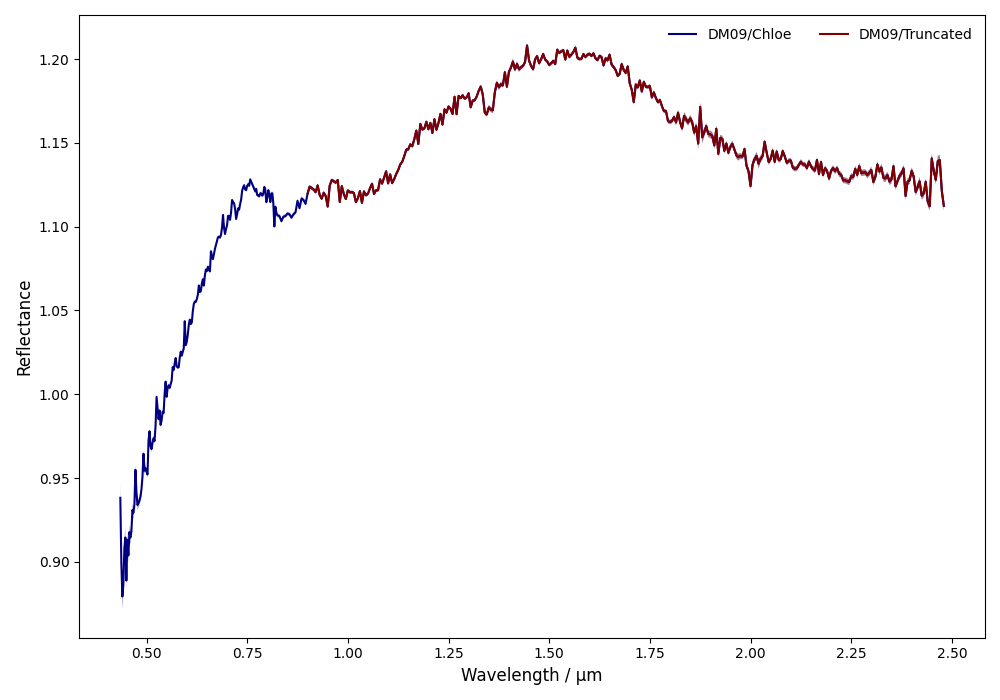
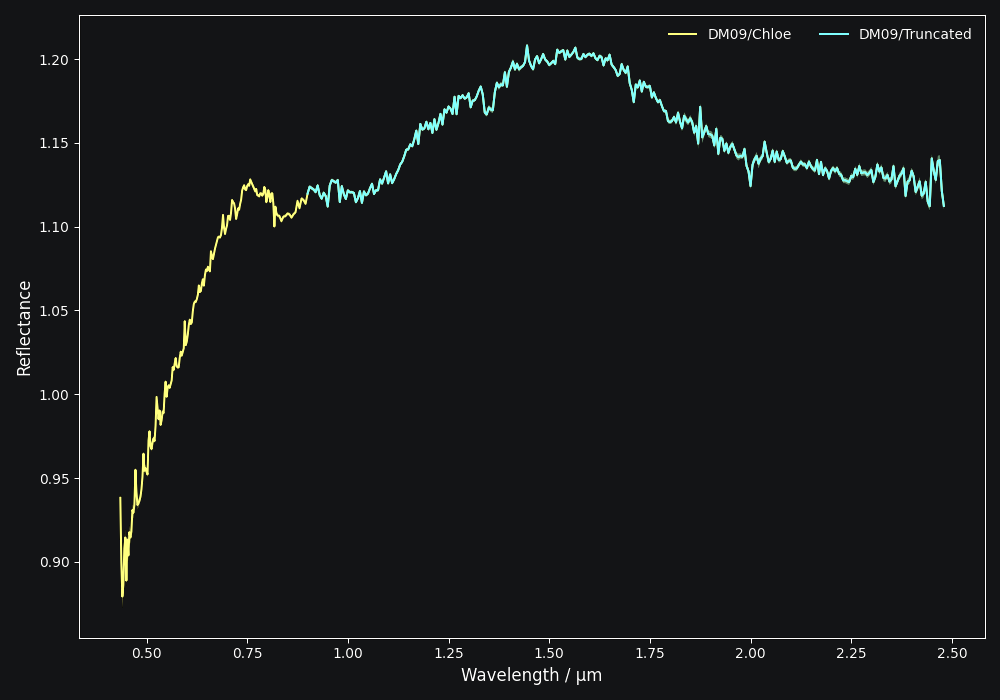
Note
Unlike resampling, truncating does retain the reflectance error as the operation
can be applied to the spec.refl_err array as well.
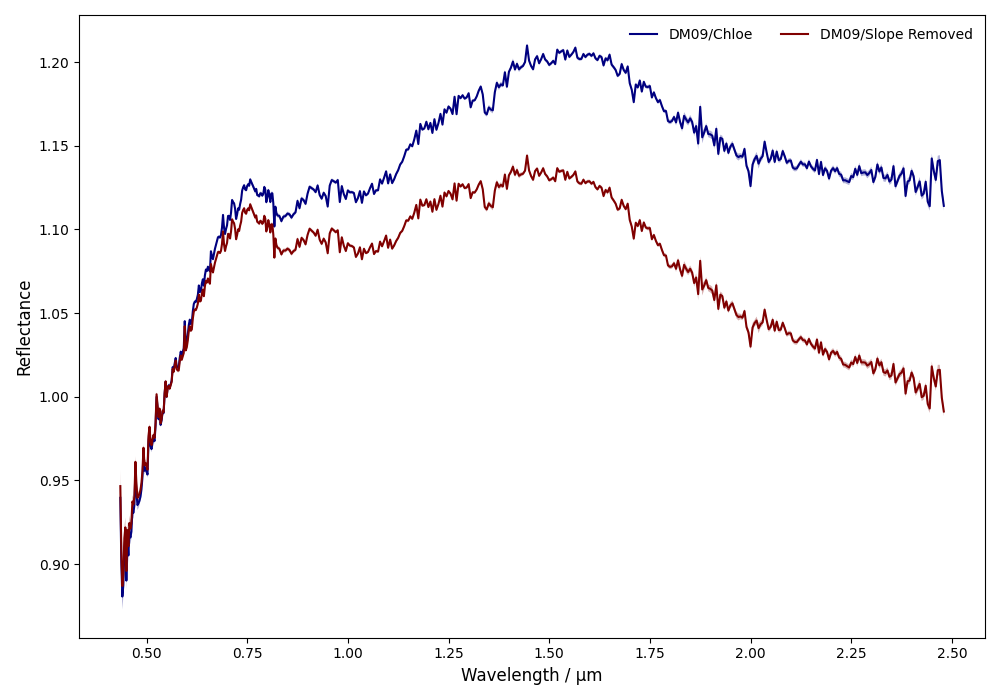
Remove Slope
Removing the slope of a spectrum means fitting a polynomial of degree 1 to the
entire spectrum and to divide the reflectance values by the best-fit line. The
intercept and slope of the fit solution are accessible via the added slope
attribute of the spectrum:
>>> spec.remove_slope()
>>> spec.slope # tuple containing (slope, intercept) of fitted polynomial
(0.06839286, 1.02706994)
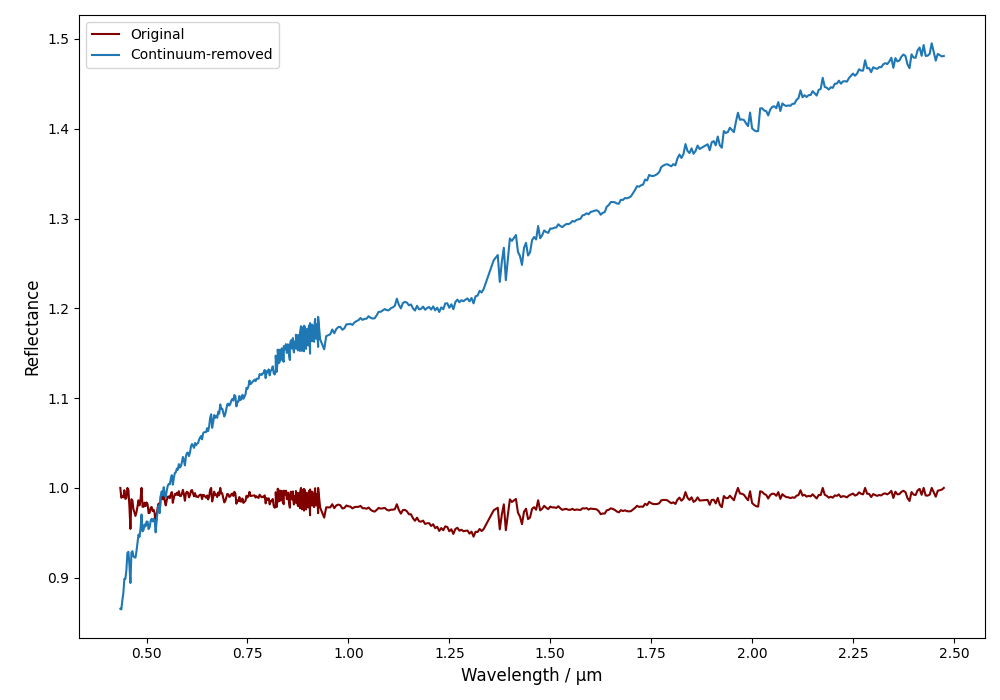
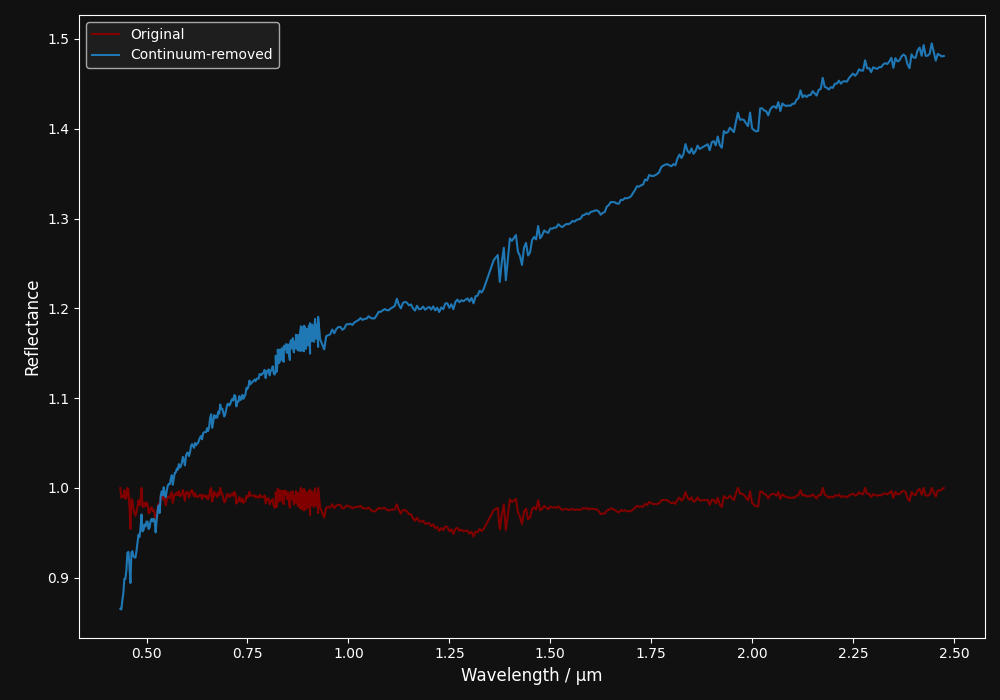
Remove Continuum
Removing the continuum of a spectrum means fitting a convex hull to the spectrum and dividing the reflectance values by the continuum. The reflectance will be overwritten. Use spectra._refl_original to get the original reflectance.
>>> spec  = classy.Spectra(16)[-2]
>>> spec.remove_continuum()